
Login
Login
- Popular Categories
- Shop By Brand
- Tool Accessories
- Air Compressor
- Hand Tools
- Laser Levels
- Mechanical Workshop
- Pressure Washers
- Welding
- Chainsaws
- Lawn Mowers
- Whipper Snippers
- Categories
- Adhesives & Sealants
- Air Tools
- Diamond Tools
- Fans
- Fasteners
- Generators
- Ladders
- Lubricants & Chemicals
- Power Garden
- Safety Equipment
- Scaffold
- Silica Dust Solutions
- Storage
- Test - Measure - Locate
- Transportation & Lifting
- Vacuum & Dust Extractors
- Water Pumps
Makita / Driver Drills


Check out the best range of Makita impact driver drills in Australia, right here at Sydney Tools.
Whether you’re looking for big torque from an electric drill, or you’re keen to leave the cord behind with a cordless drill in 7.2V, 12V, 18V or 40V, we’ve got them all.
Makita’s cordless drills are not only built to last and comfortable to use, they also boast some of the best run times around thanks to innovative battery technology. Known as some of the fastest charging batteries on the market, Makita’s 18V batteries can be charged in as little as 15 minutes.

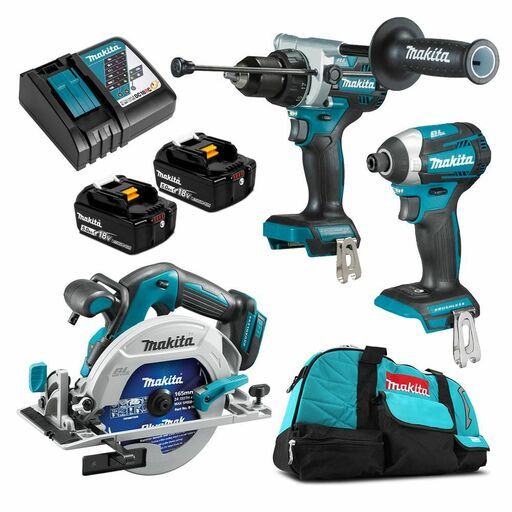
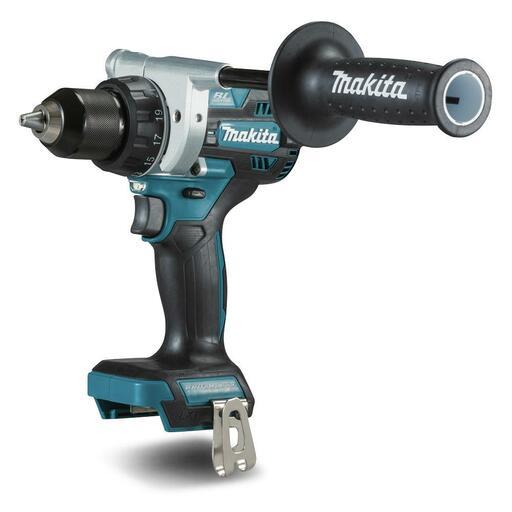


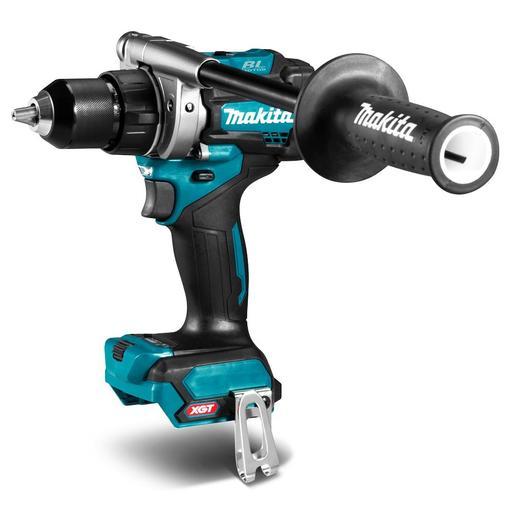

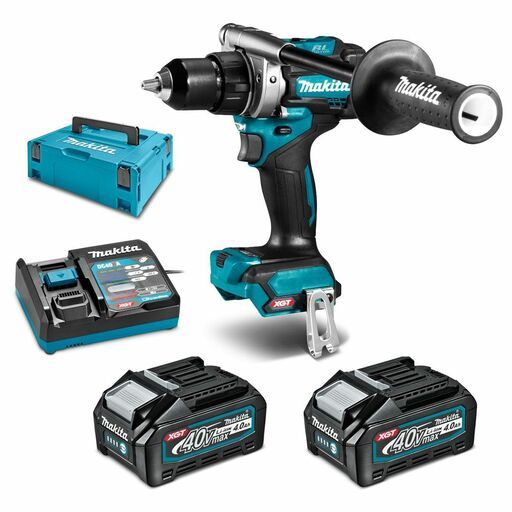

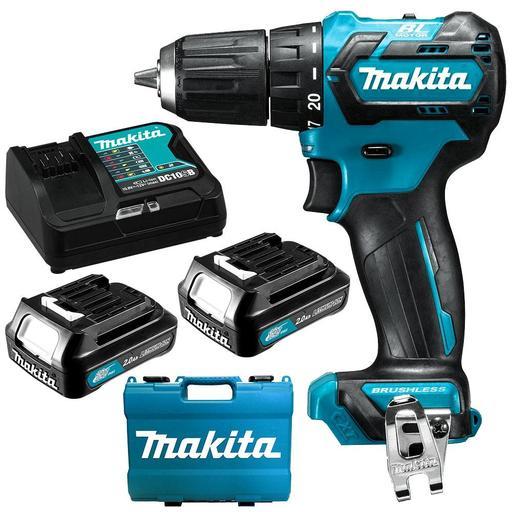
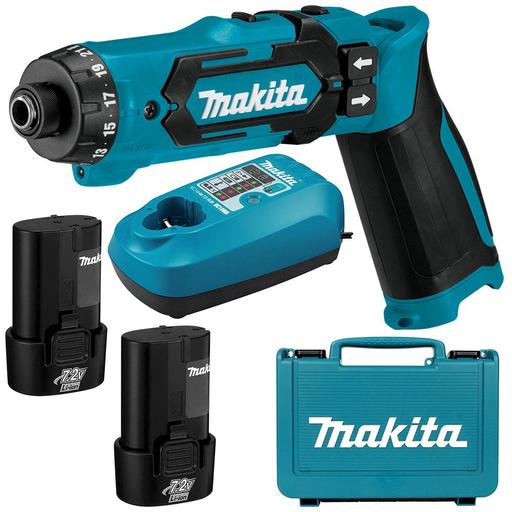
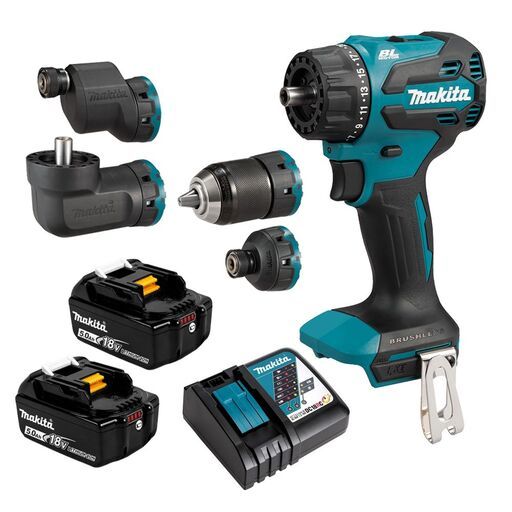


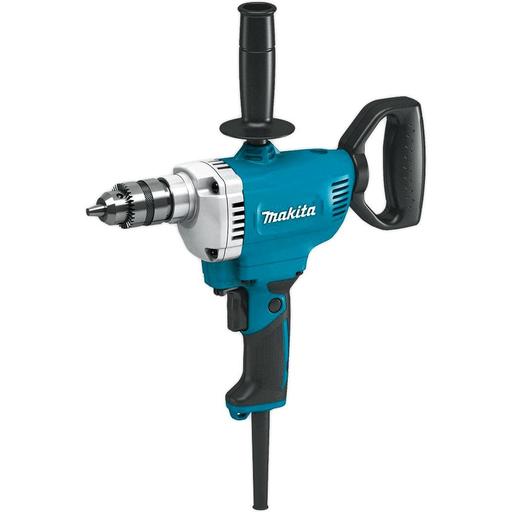
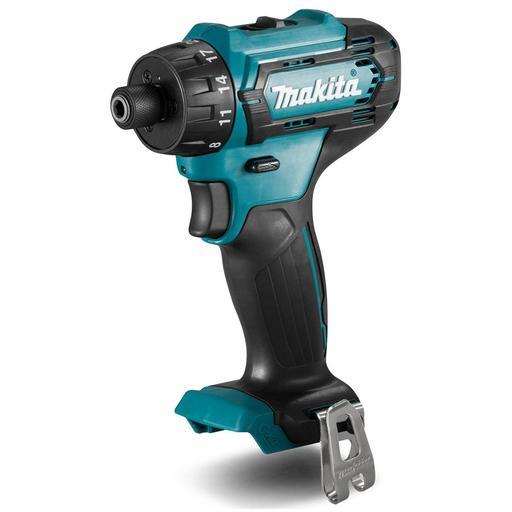
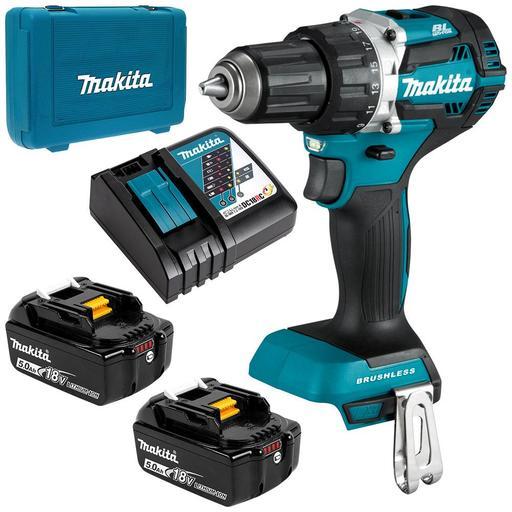
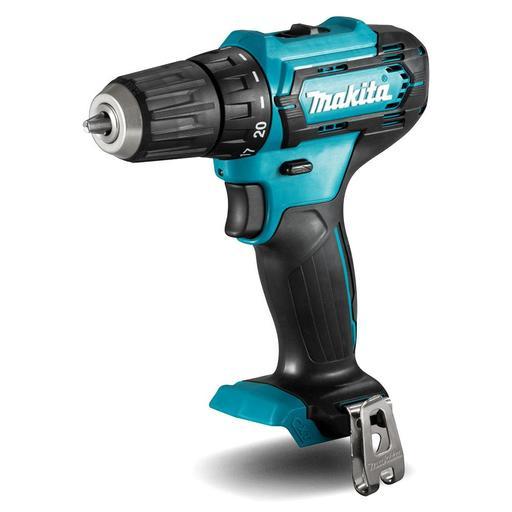
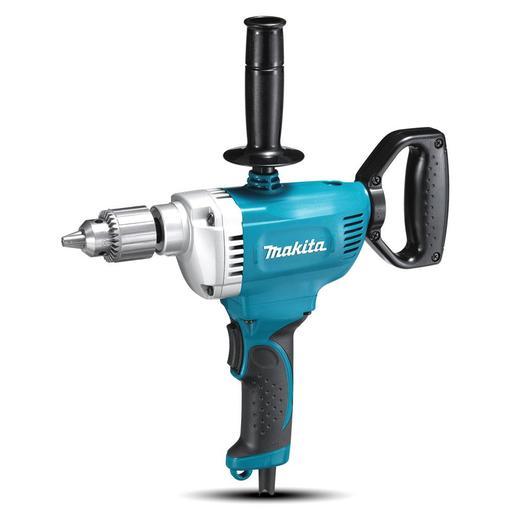
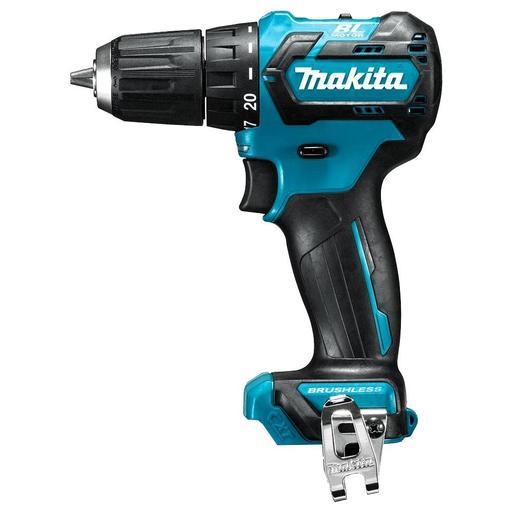
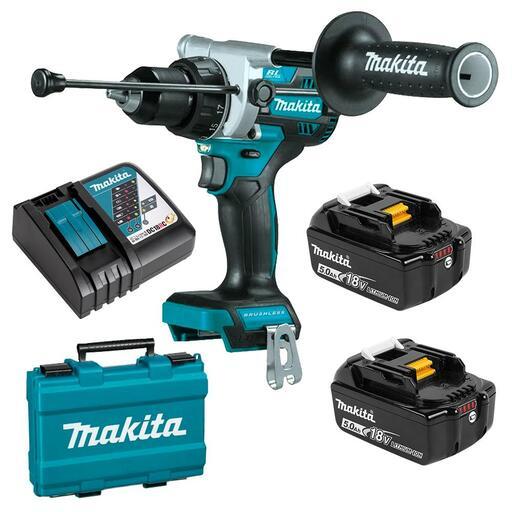
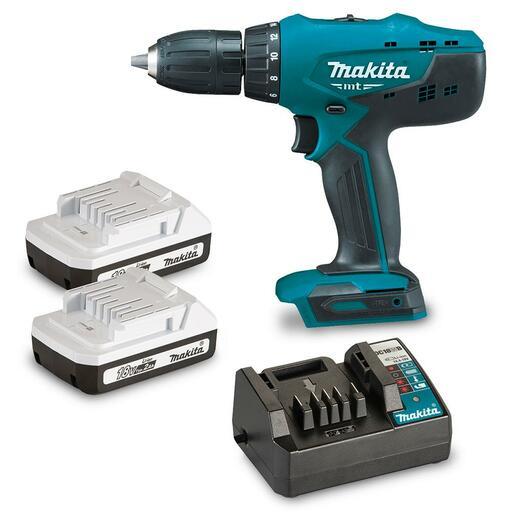

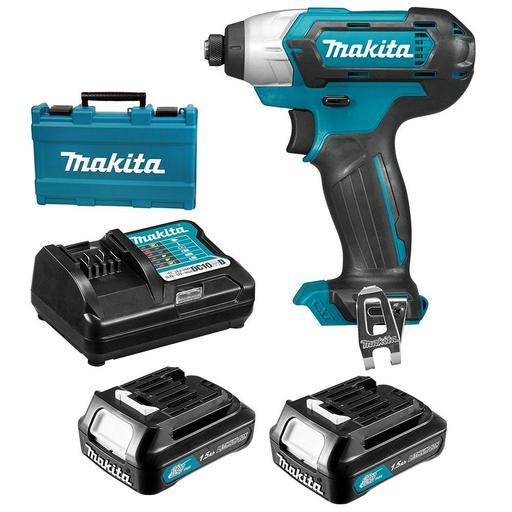
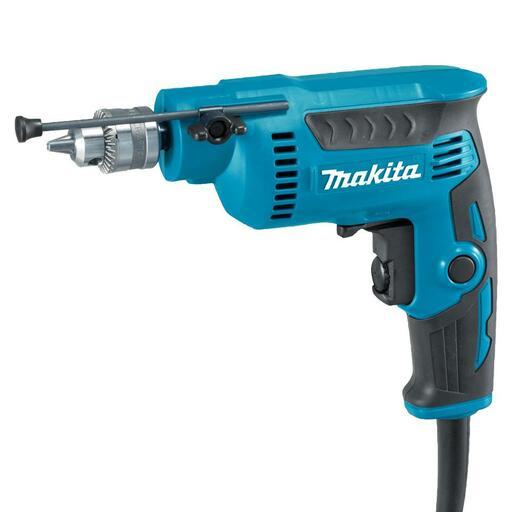
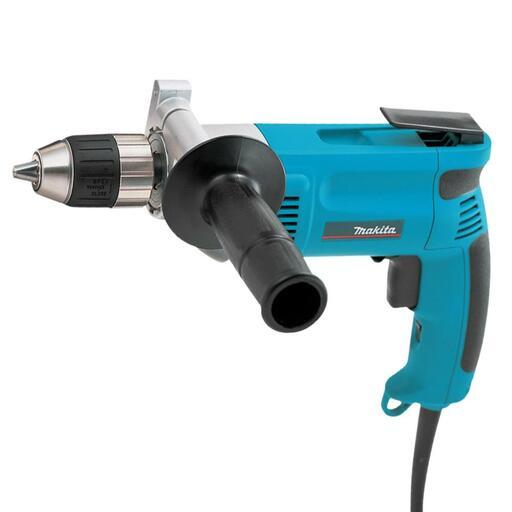
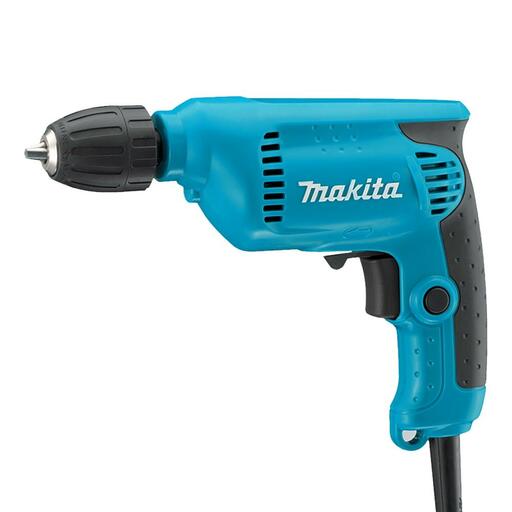
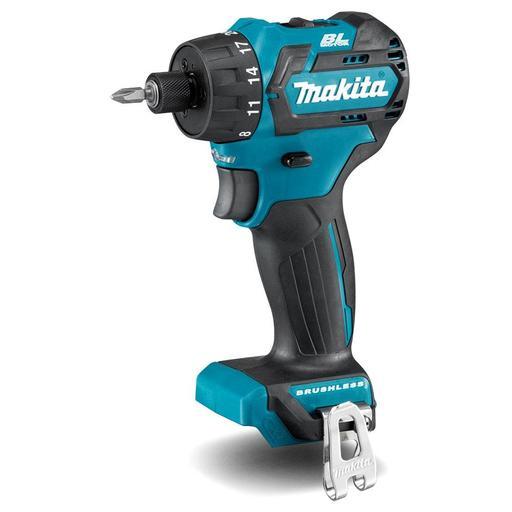
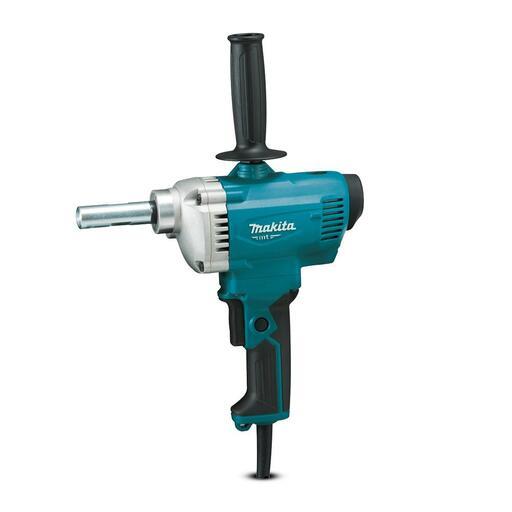


Picking the right Makita cordless drill
With so many cordless drills to choose from, it’s important to know what you’re looking for so you can find your perfect match. Here’s a few tips.
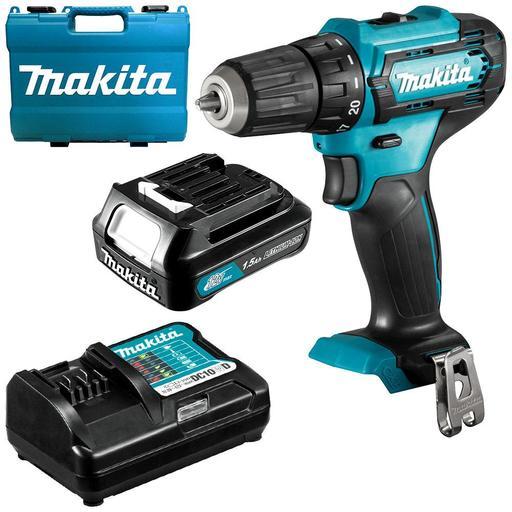
12V drills are an affordable and lightweight solution that are ideal for home DIY. A combo kit like the DF333DWYE includes the DF333DZ 12V Max driver drill, charger, two batteries and a carry case. Everything you need at a great price point.
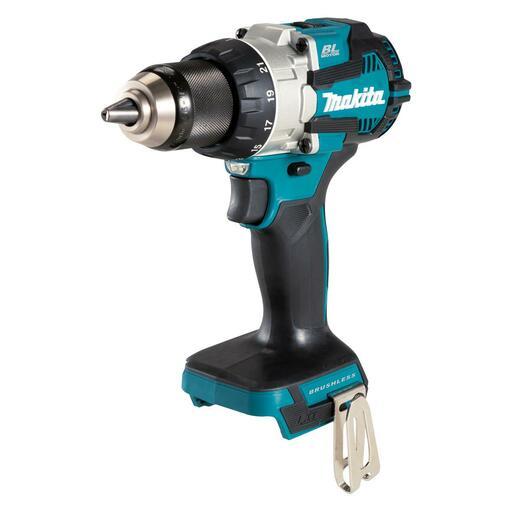
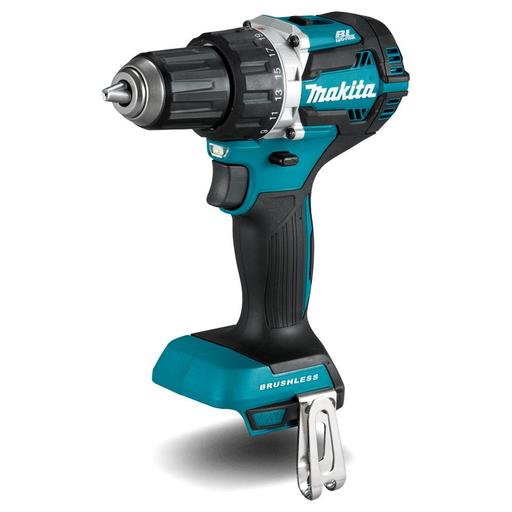
A trade-ready 18V drill like the DDF484Z gives you the latest brushless technology for longer run times. The DDF484Z can be bought as a skin only, or in a variety of combo kits. With 21 torque settings, a variable speed trigger and a twin-LED work light, this is an all round performer that you can rely on for years to come.
The DF001GZ 40V is a beast that’s built for long stretches of continuous use. With 141Nm max torque, an electronic clutch with 41 torque settings and capacity for large auger and hole saw bits, this is a top quality tool for the professional tradesperson.
Why driver drills are more versatile than impact drivers
Makita impact drivers are some of our favourite tools, but when it comes to versatility, we think the driver drill is still the king, and here’s why.
The adjustable clutch on a driver drill means you can match your torque to the density of the material you’re drilling. And the driver drill’s variable speed gearbox delivers excellent control whether you’re driving screws or drilling into soft surfaces.
Then of course there’s the huge range of different bits you can easily get for your driver drill that make them suited to a huge range of tasks: auger bits, hole saws, and even glass tile drill bits.
FAQs (Frequently Asked Questions)
How long does the battery last on a Makita drill?
The battery life on a Makita drill depends on several factors:
- Battery Type and Capacity
- Usage Intensity
- Battery Efficiency
- Battery Life and Charging
What types of materials can a Makita drill handle?
A Makita drill can handle a wide range of materials, depending on the type of drill bit you use and the specific model of drill. Here are the most common materials that a Makita drill can work with.
- Wood (Softwood and Hardwood)
- Metal
- Plastic
- Masonry (Concrete, Brick, Stone)
- Tile & Ceramic
- Drywall
- Wood Composites
- Glass (with special bits)
- Plaster
- Soft Stone (Like Soapstone)
Does the Makita drill come with any additional accessories?
Many Makita drills come with a variety of accessories depending on the specific model and the kit you purchase. These accessories can enhance the functionality of the drill and make it easier to use for different tasks.
- Battery and Charger
- Drill Bits and Driver Bits
- Carrying Case or Tool Bag
- Belt Clip
- Chuck Key (for Corded Models)
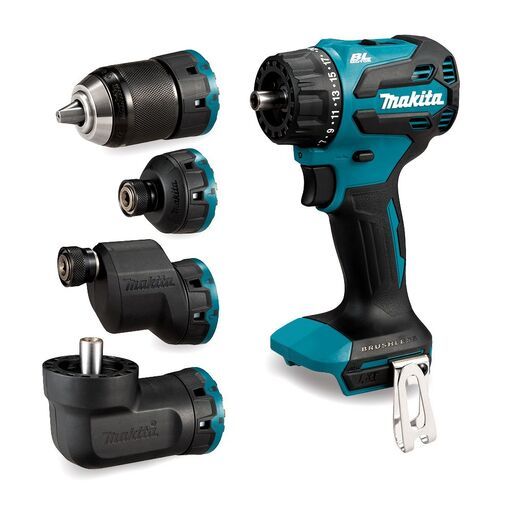
- Extra Chuck
- Extension Bars
- Depth Stop
- Impact-Resistant Bit Holder
Can the Makita drill be used for both drilling and driving screws?
A Makita drill can be used for both drilling and driving screws, but this depends on the specific model you have. Many Makita drills, especially their cordless drill/driver models, are designed for dual functionality.
- Drilling: With the appropriate drill bit, a Makita drill can be used to create holes in wood, metal, plastic, and other materials.
- Driving Screws: When driving screws, you can use a screwdriver bit, and the drill will allow you to screw into materials like wood or drywall. Many Makita drills have an adjustable torque setting or clutch to prevent over-driving the screw or damaging the material.


